Keep your Mac awake, beautifully.
A tiny, focused menu bar app for macOS. Start a timer, go indefinite, or let smart triggers handle it. No clutter. No surprises.
Coming soon to the Mac App Store · macOS 14+
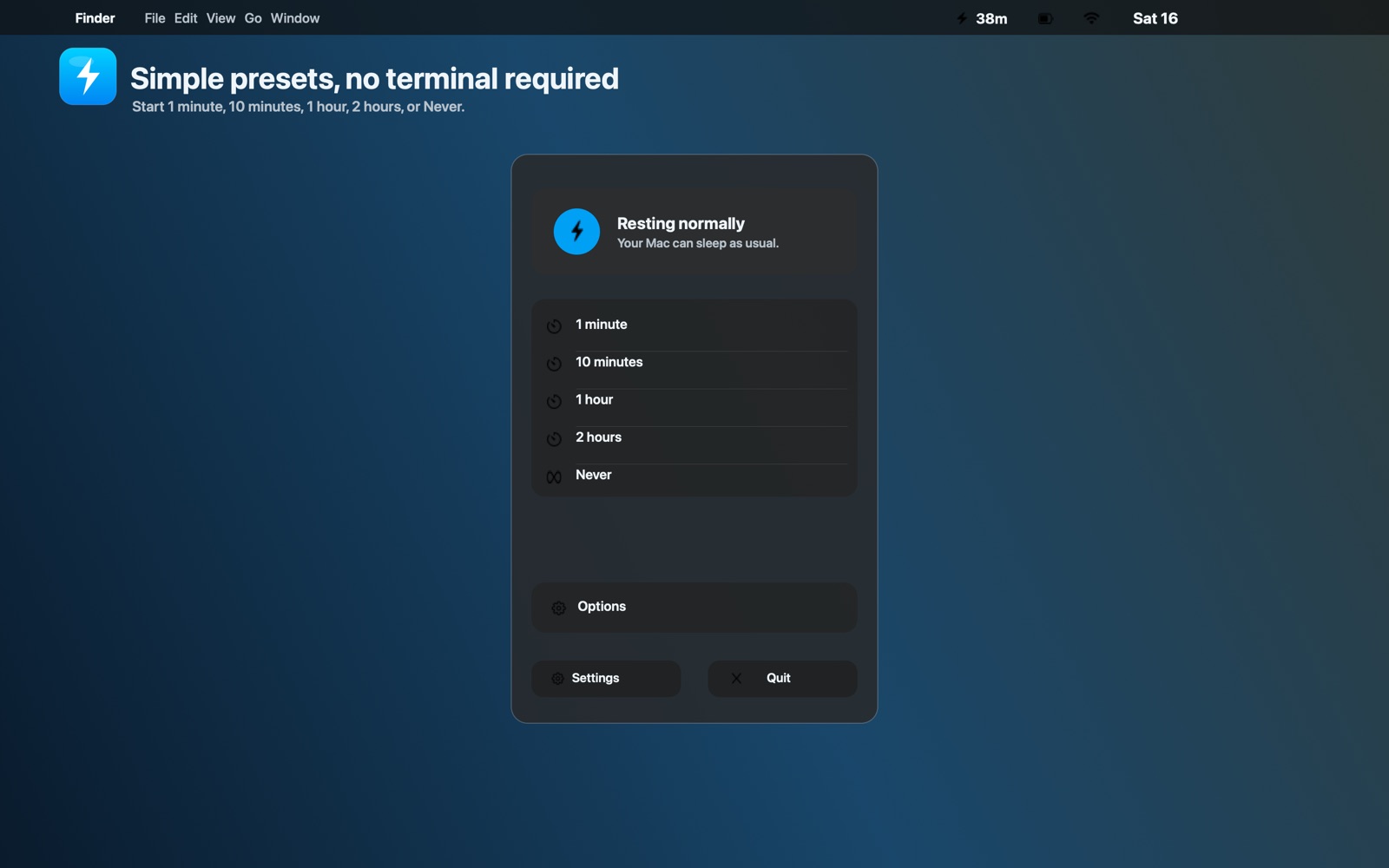
Designed to be invisible until you need it.
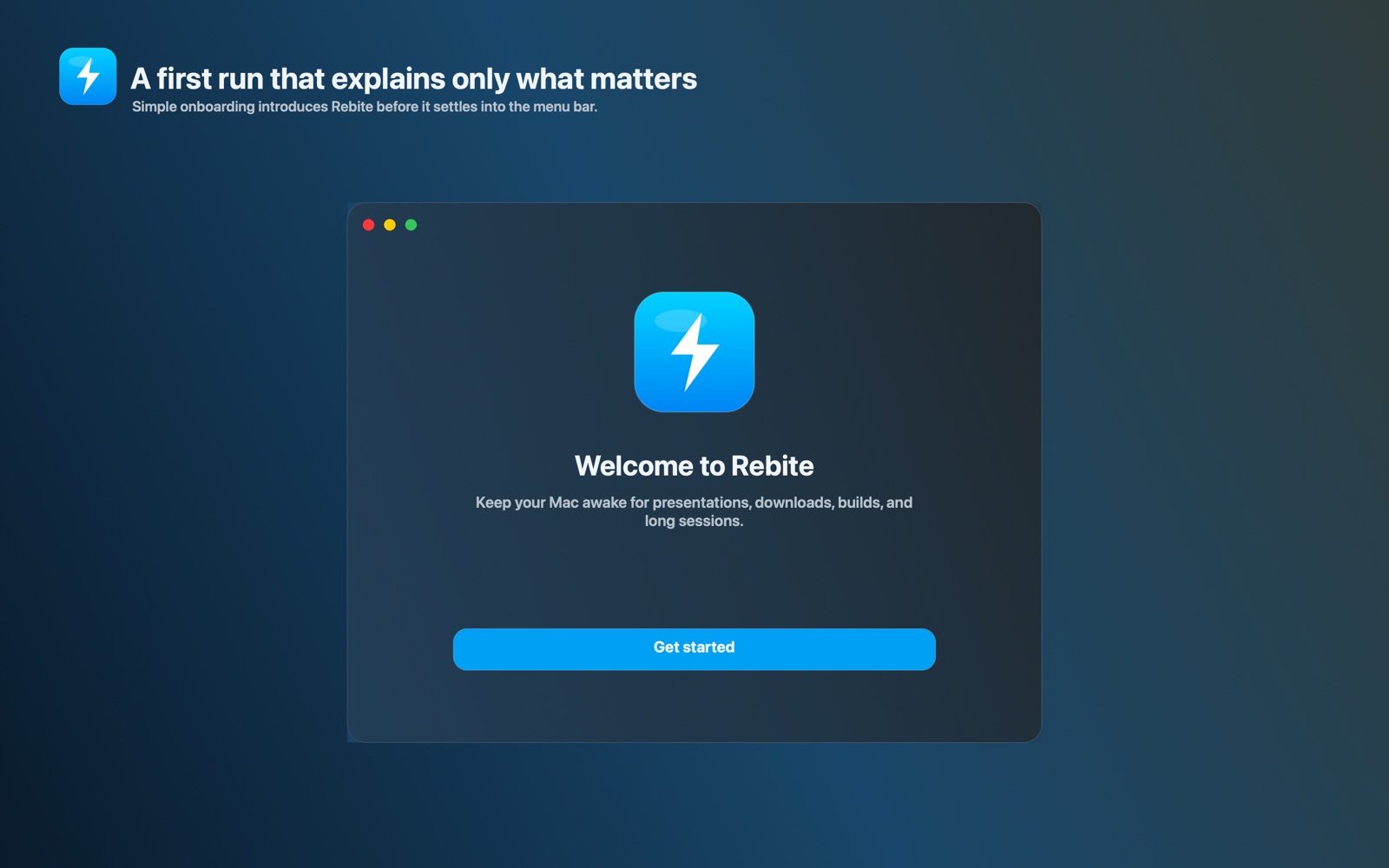
Rebite stays out of your way. When it works, it works the way macOS already does — but with the controls Apple never shipped.
Always one click away
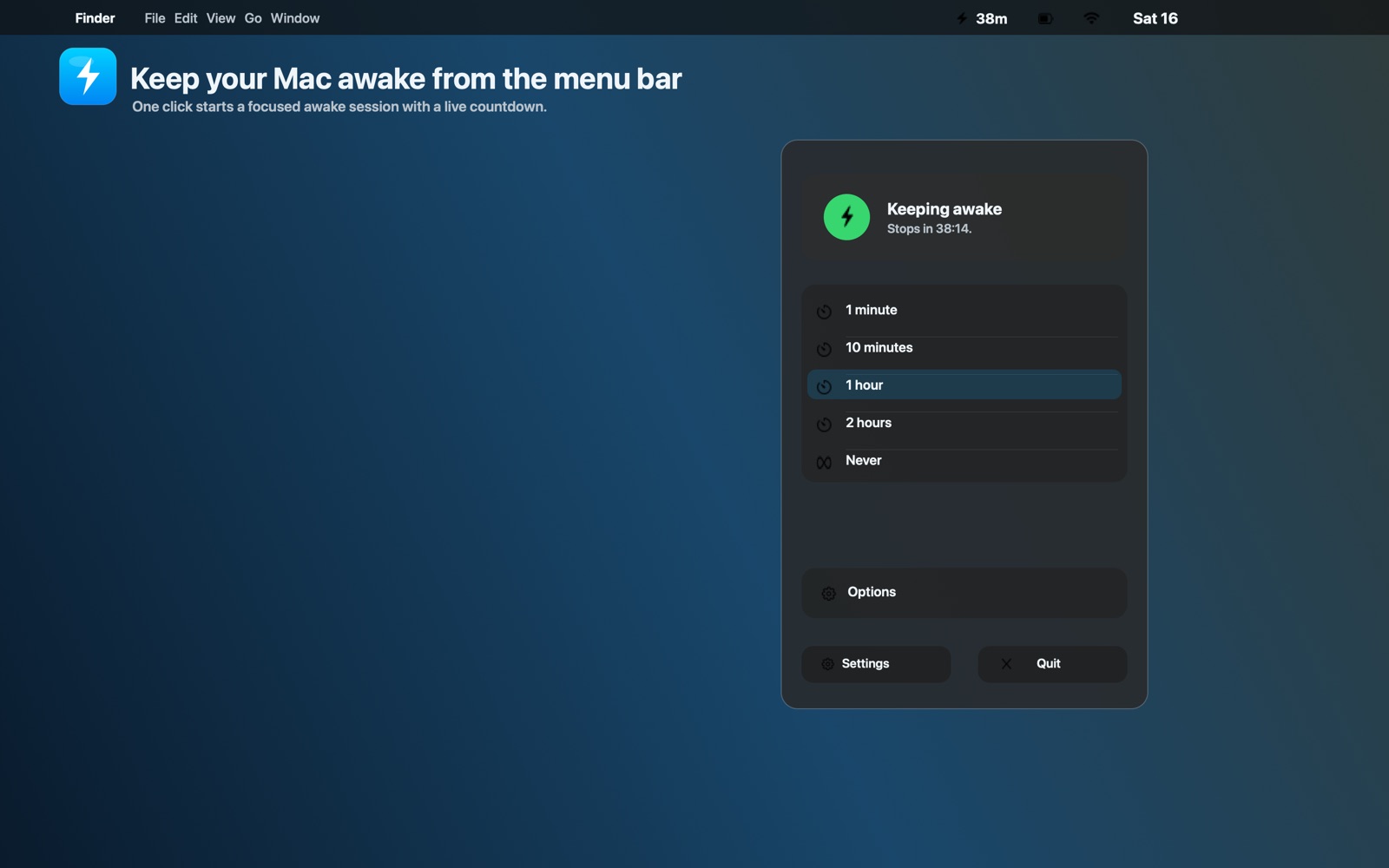
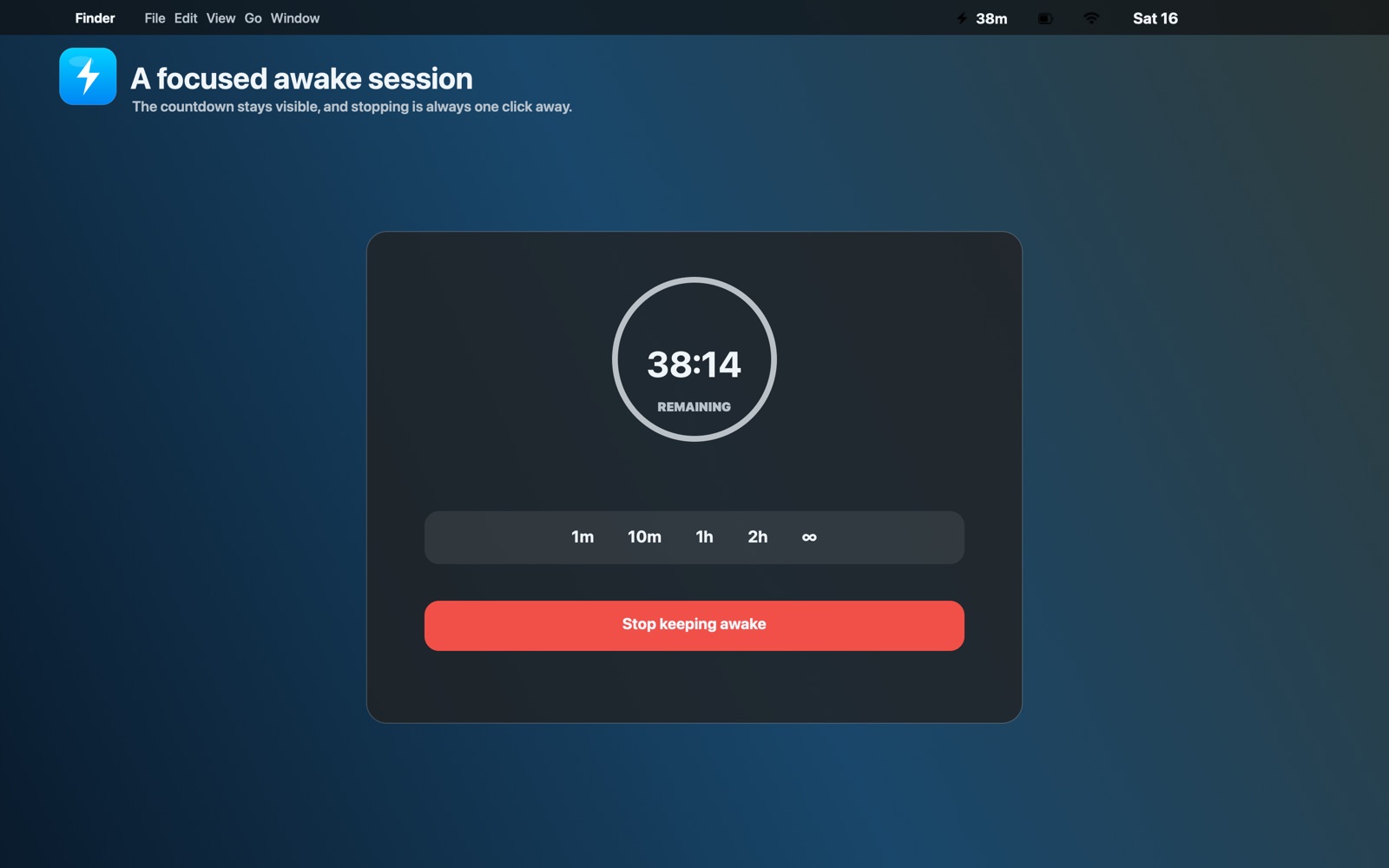
Rebite lives quietly in your menu bar. A single bolt tells you whether your Mac will sleep — tap it for presets, options, and a live countdown.
Presets and custom timers
Start a one-minute pause, a ten-minute coffee run, a one or two hour session, or go indefinite. Custom minute timers up to 12 hours when you need them.
Choose how the session ends
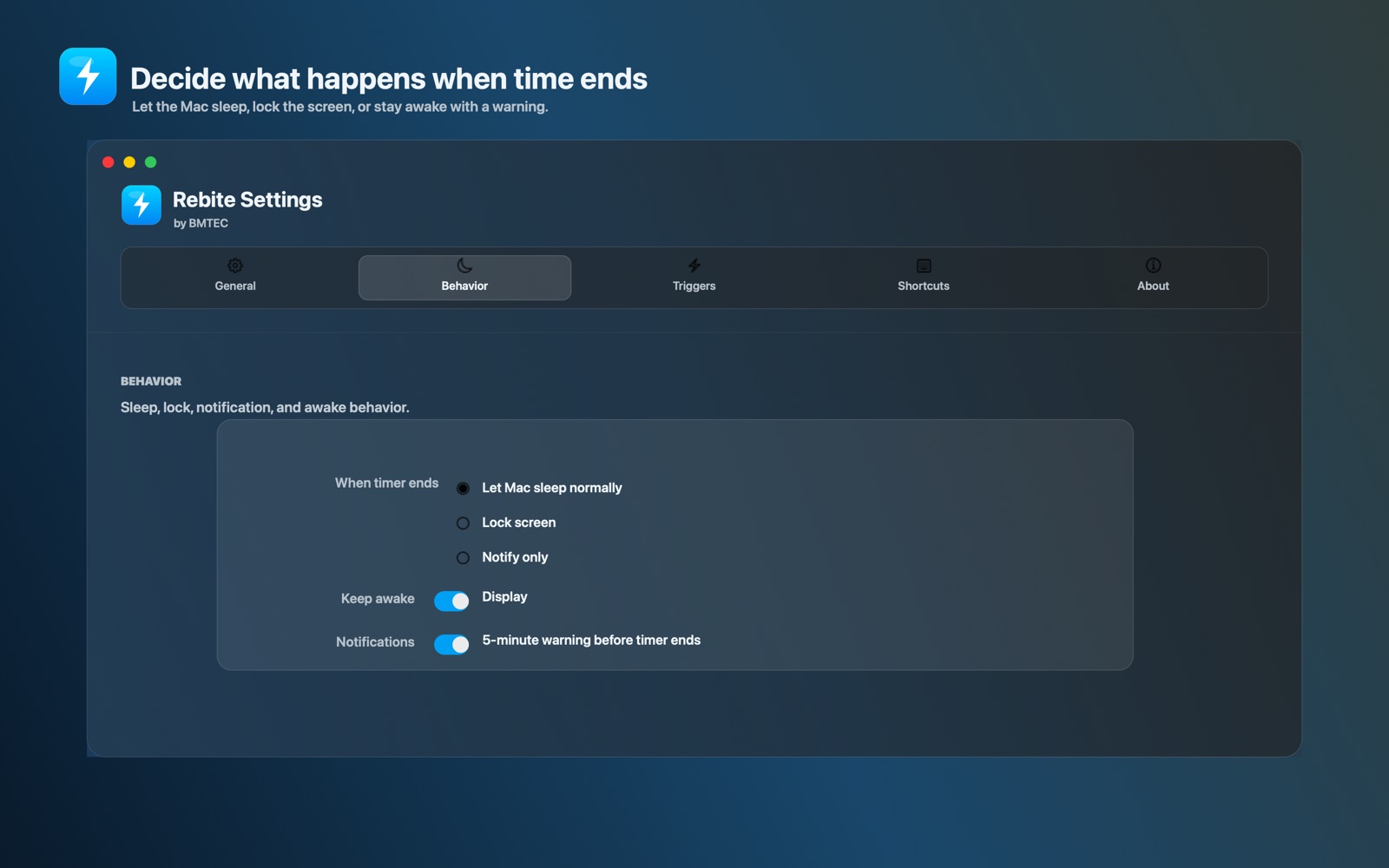
When the timer runs out, let your Mac sleep normally, lock the screen, or just chime. Keep the display awake, the system awake, or both.
Keyboard-first
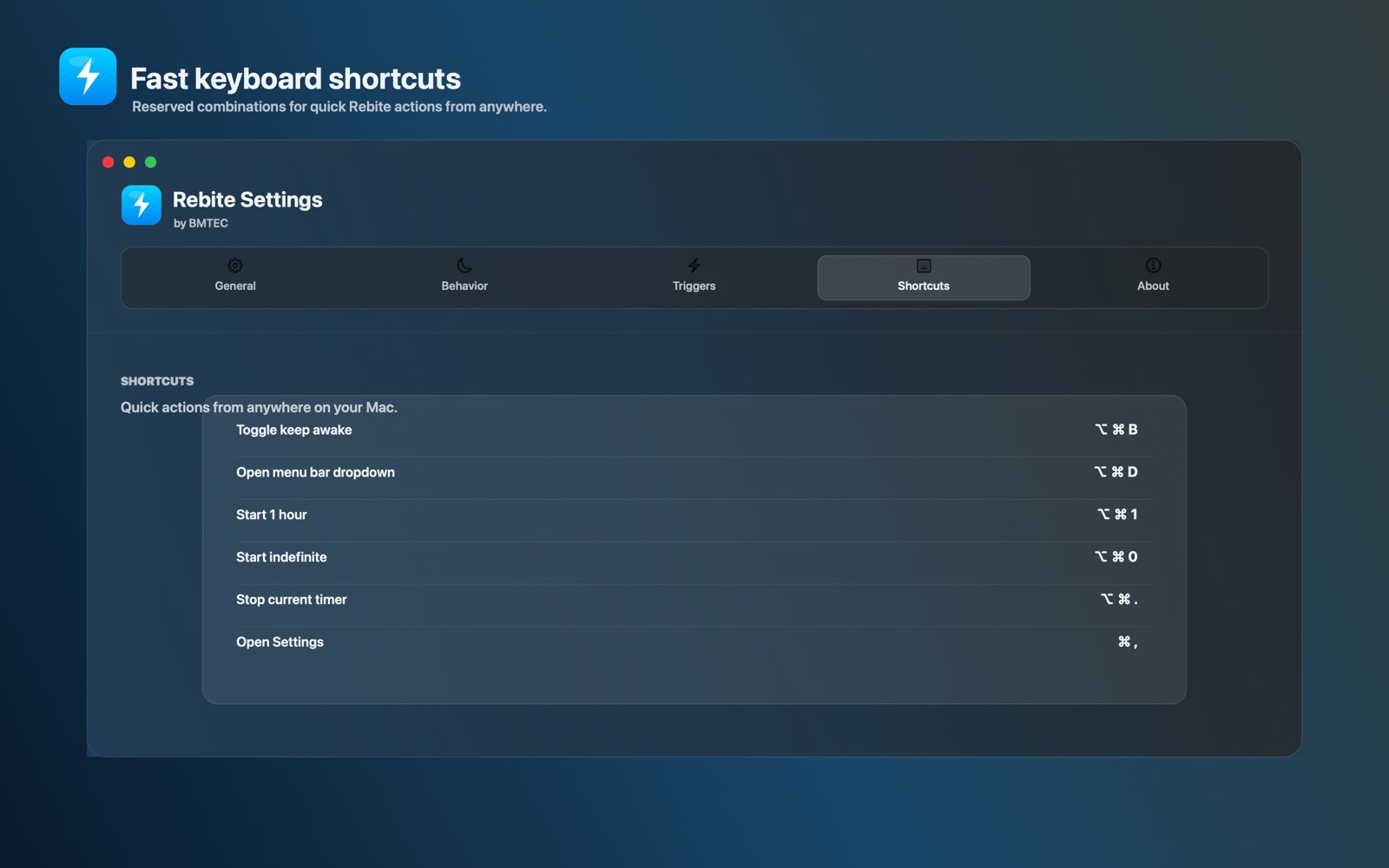
Toggle keep awake, start a one hour timer, jump to settings or stop the current session without ever touching the trackpad.
A native macOS app, built like one.
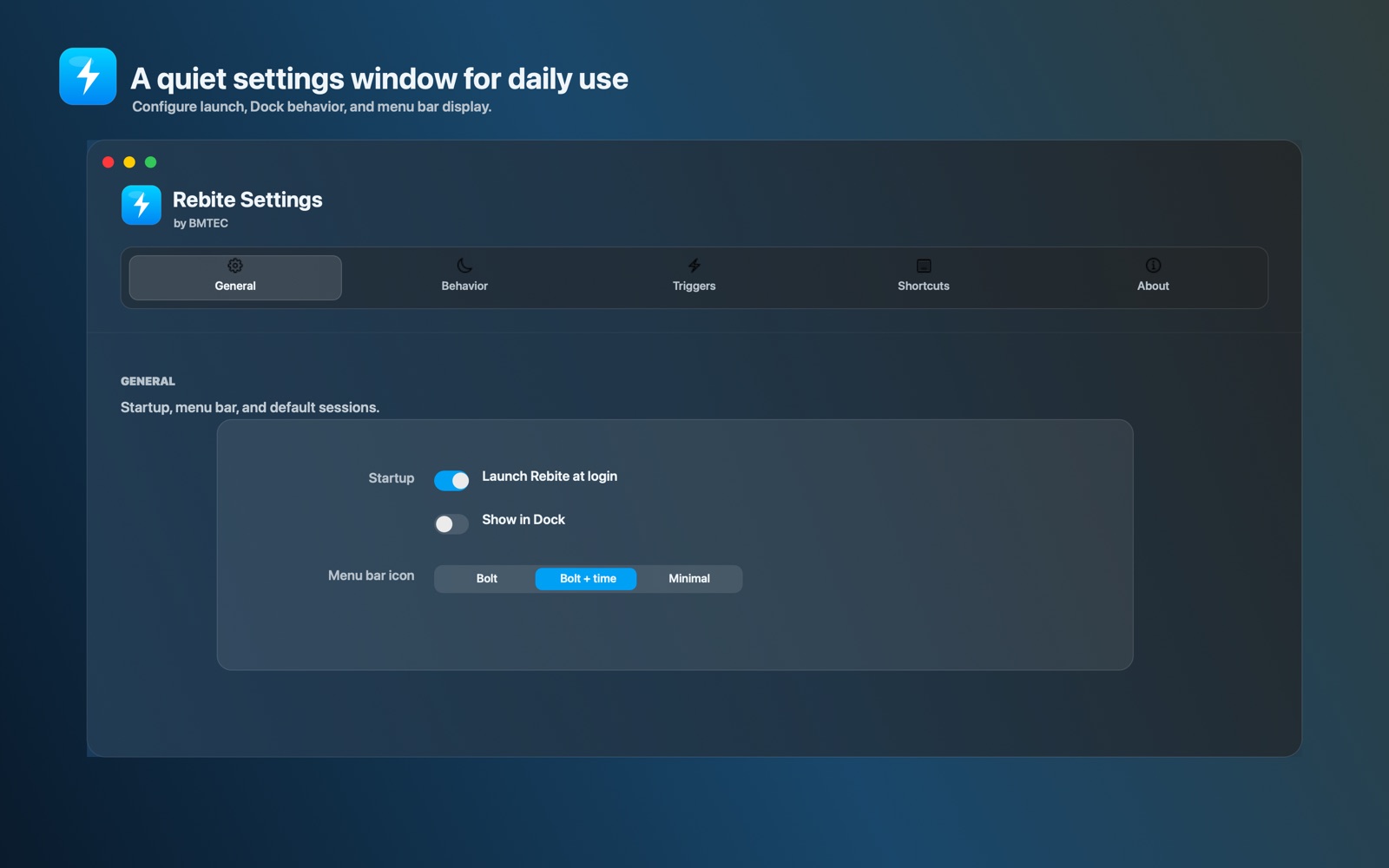
SwiftUI from end to end. Vibrant glass surfaces, the typography you already know, and not one electron in sight.
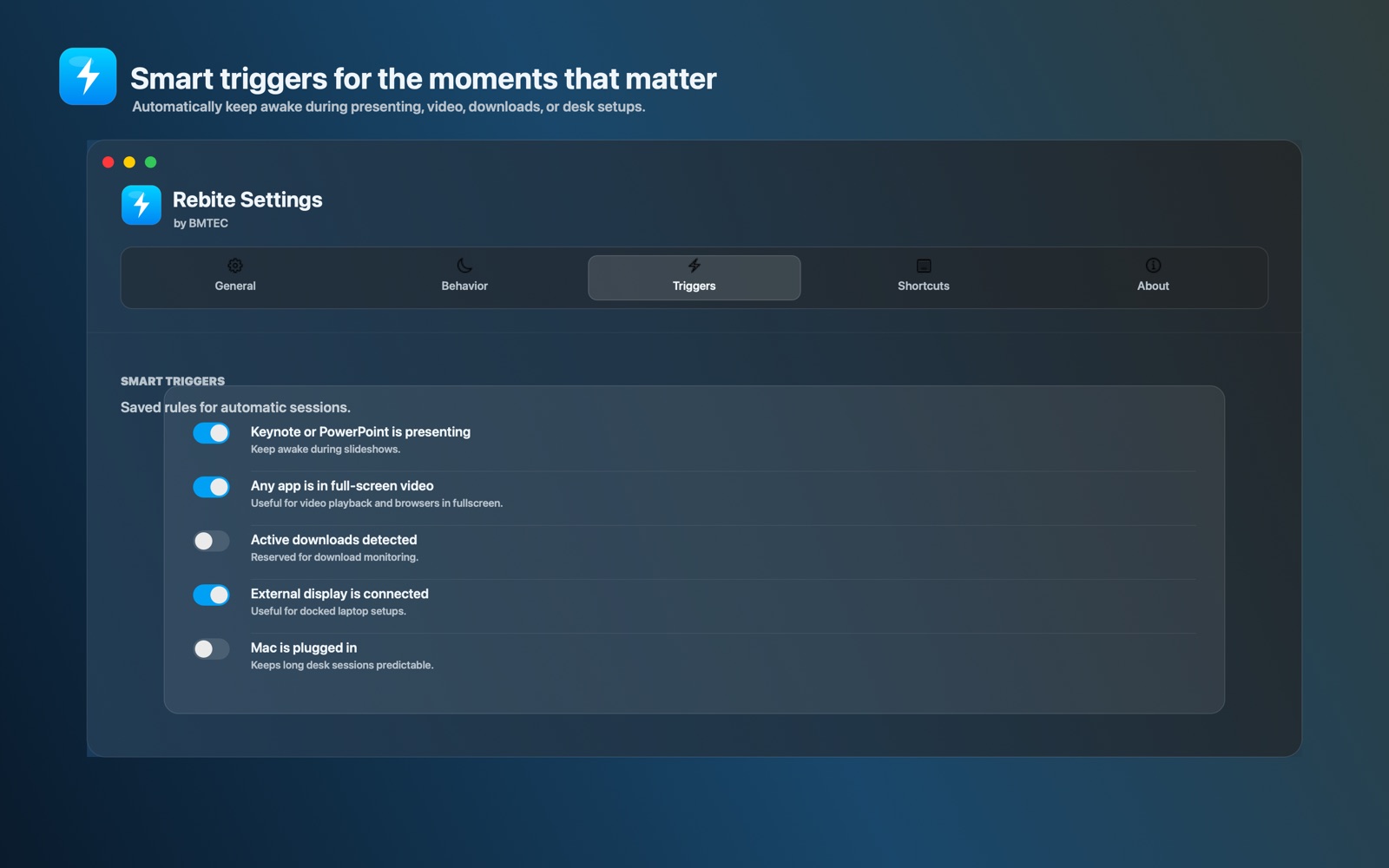
Rebite knows when you don't want to be interrupted.
Opt-in rules turn keep-awake on automatically — and back off when the moment passes. You stay in control of every rule.
Faster than reaching for the trackpad.
Global shortcuts work from anywhere on your Mac. Customize them any time in Settings.
Your Mac stays yours.
Rebite runs locally. It uses the system caffeinate primitive Apple already ships, plus a few public macOS APIs. No analytics. No accounts. No data collection.
Built by BMTEC, for people who get work done.
We build small, careful tools for Apple devices. Rebite is one of them — try it, tell us where it bends, and we'll keep sharpening it.